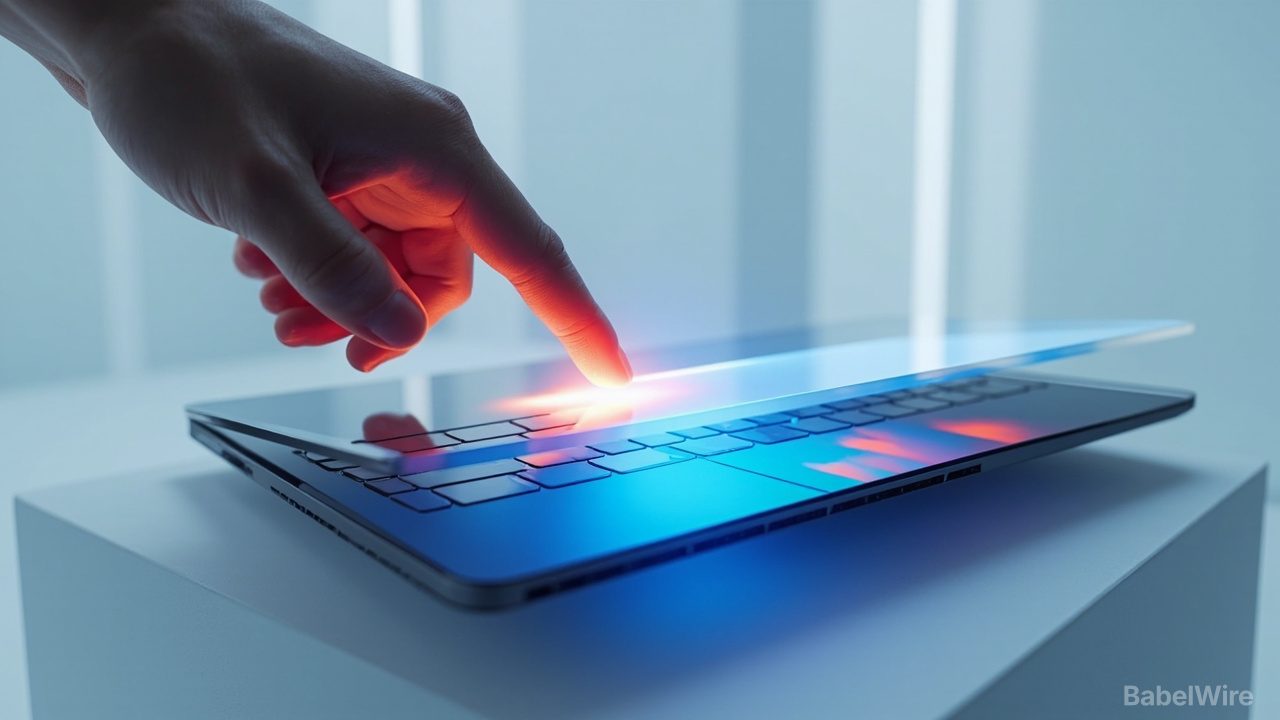
For more than a decade Apple treated the touchscreen laptop as a solved mistake. Steve Jobs called them "ergonomically terrible", the company shipped the Touch Bar in 2016 as an awkward compromise, then removed it again. On Wednesday, at an event it called "Pro and tell", Apple reversed that position: the new MacBook Pro has a screen you can touch.
The reversal is real, but it is narrower than the headlines suggest. Touch on the Mac arrives as a premium tier of one product line, with most of the software work deferred to app developers, and with Apple explicitly describing it as an addition to the keyboard and trackpad rather than a replacement.
What Apple actually changed in the hardware
The new machine replaces the mini-LED panel with what Apple calls a PROLED XDR display: a tandem OLED structure in which two light-emitting pixel layers work together, in 14.2- and 16.3-inch sizes. Apple quotes 2,000 nits peak brightness in both HDR and SDR, 1,000 nits sustained across the whole screen, a 10,000,000:1 contrast ratio, ProMotion from 10 to 120Hz, more than 80% coverage of Rec. 2020, and an optional nano-texture finish. Peak brightness is not sustained brightness, and the distinction matters for anyone grading video on it.
The touch sensor is built into the display panel rather than layered on top, which keeps the assembly thin. The hinge has been redesigned for stability, so the screen does not rock when a finger pushes it — and so a video call does not shake when you tap through a document mid-meeting. Apple says advanced video stabilisation smooths the camera feed in real time.
The notch is gone, replaced by a Dynamic Island cutout that now hosts Spotlight, Live Activities and Siri AI. The glowing Apple logo has returned. The 14-inch model weighs about 1.36kg and the 16-inch about 1.81kg, roughly 227g and 318g lighter than the outgoing design.
Inside: M5 Pro (up to 18 CPU cores, 20 GPU cores, 64GB unified memory) or M5 Max (18 CPU cores, up to 40 GPU cores, 128GB), up to 16TB of storage, three Thunderbolt 5 ports, HDMI, SDXC, MagSafe, Wi-Fi 7 and Bluetooth 6 via Apple's N1 chip, a six-speaker system and a 12-megapixel Center Stage camera. Apple claims up to 24 hours of battery life.
The software is the interesting part — and it is mostly the apps
macOS 27, codenamed Golden Gate, does not become a touch operating system. According to The Verge, Apple's changes at system level are modest: the Dynamic Island, and gestures that will be familiar to anyone who has used an iPad — swipe to scroll a page, pinch to zoom a photo, drag a slide between presentations, double-tap a window to fill the screen, flick it into a tile. Apple's own apps are optimised; everything else works because macOS translates touches into clicks automatically.
The deeper work sits in specific applications. Logic Pro gains a multi-touch polyphonic keyboard and on-screen chord and drum pads; Final Cut Pro lets editors mark ranges and drop clips by hand and pinch to zoom a cut; Pixelmator Pro treats the display as a canvas. A list of third-party apps — Notion, Canva, Zoom, Microsoft Office, Lightroom, DaVinci Resolve, Blender, Cinema 4D, ZBrush, Shapr3D, djay Pro — is promised, but a footnote says they arrive later this year, so not all of them will be there on day one.
Notably absent: any mention of Apple Pencil support. If you wanted a Mac that draws, this is not the announcement you were waiting for.
The ergonomic objection is unanswered, not refuted
Apple has not explained how reaching across a keyboard to touch a vertical screen becomes comfortable, because it cannot. What it has done is reduce the mechanical annoyances — the rocking hinge, the shaky webcam, the cursor-target-sized controls — and left the posture problem where it found it. The Verge's hands-on calls Apple's effort a partial fix at best.
The more defensible claim is that touch is occasionally faster than a trackpad for a specific gesture and useless for the rest, which is roughly how Windows laptop owners have treated touchscreens for a decade. Apple's framing — touch "works in tandem with" existing input — concedes the point.
The price is the message
The 14-inch touchscreen MacBook Pro starts at $2,899 and the 16-inch at $3,399. The Verge notes the 14-inch costs $400 more than an otherwise similarly specified M5 Pro MacBook Pro, so the touch layer, the OLED panel and the new chassis are being sold as a distinct product rather than folded into the lineup. A day earlier Apple announced a conventional M6 MacBook Pro starting at $1,999, which remains the volume machine.
Pre-orders opened on 28 October, with deliveries and in-store sales from 6 November. In Turkey the 14-inch model lists from 199,999 TL and the 16-inch from 234,999 TL.
The launch is the second marquee product for new chief executive John Turnus, after September's foldable iPhone Duo — a pattern of Apple spending its reversals on its most expensive hardware first.
What is still missing
Two things would tell us whether touch is a feature or a direction. The first is whether the third-party apps on that list actually ship with multi-touch surfaces rather than tap targets, and whether developers build for the display when the installed base is a $2,899 laptop. The second is whether touch and the Dynamic Island ever reach cheaper Macs. Apple has said nothing about either. Until it does, this is a very expensive way to pause a song with your finger — and a bet that professionals will pay for the option.
Sources
- techcrunch.comTechCrunch — Apple launches its new touchscreen MacBook Pro
- theverge.comThe Verge — Hands-on with Apple’s touchscreen MacBook Pro
- theverge.comThe Verge — Here’s how macOS is changing for touchscreens
- macobserver.comMacObserver — MacBook Pro with PROLED XDR Display: how touch works in macOS 27
- webrazzi.comWebrazzi — Apple, dokunmatik OLED ekranlı MacBook Pro'yu tanıttı: Türkiye fiyatı 199.999 TL'den başlıyor